Archives
Getting data off optical disk, tape and other dead media
Somewhere in every long-lived picture archive there is a shelf of discs and cartridges from the years when they were the obvious way to store images. The material on them was never migrated, the equipment that wrote them is gone, and…
Written and checked by the Picdar editorial desk
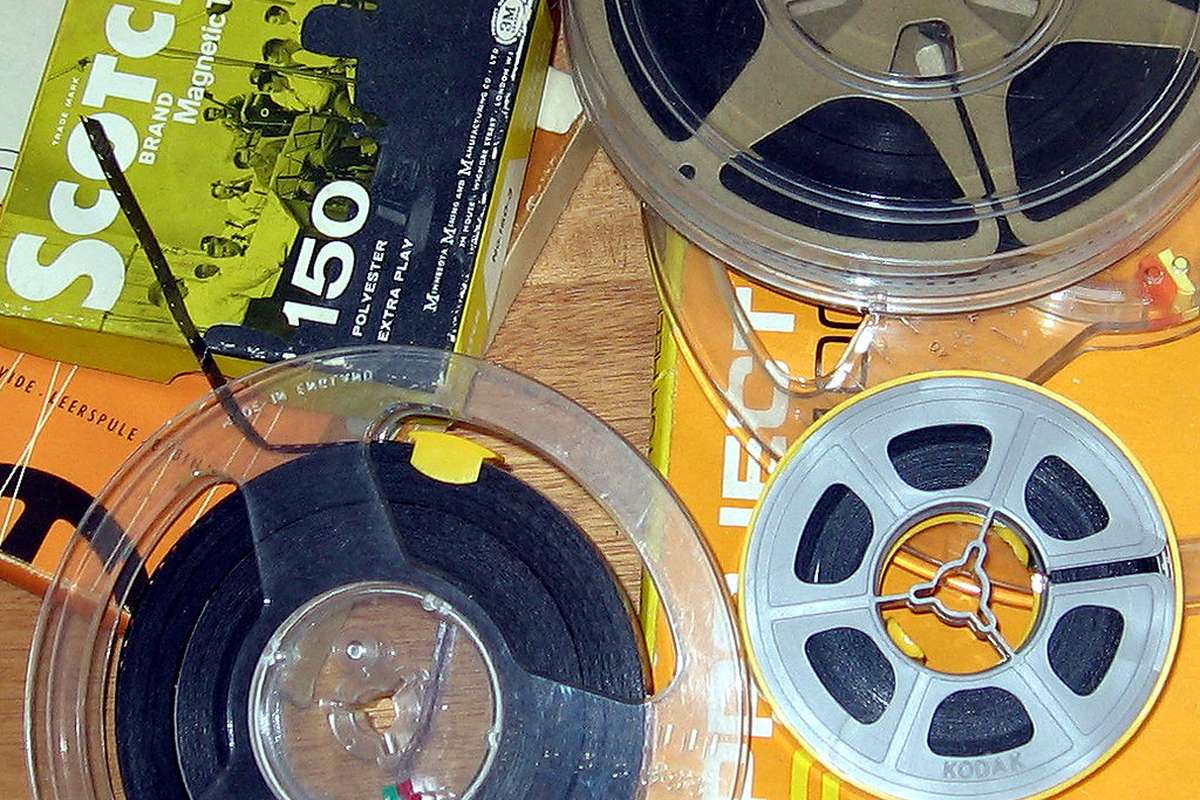
Recovery from obsolete media is possible more often than people expect, and it fails in three distinct ways that are worth separating before starting.
Three failures, not one
The medium. The physical object no longer yields a clean signal. Tape binders deteriorate and shed; optical layers oxidise and separate; magnetic coatings weaken. This is the failure people think of, and it is the one that gets worse while you wait.
The drive. There is no working device that can read the format. A perfectly intact cartridge is inaccessible without the mechanism it was written on, and for some formats those mechanisms are now rare and mostly broken.
The format. The bits come off cleanly and nothing can interpret them. An obsolete file system, a proprietary image format from a defunct application, or a database whose schema nobody recorded.
A recovery plan that addresses only the first will stall at the second or the third. Establish which ones you face before committing effort, because the cost differs by an order of magnitude between them.
Image first, always
The first rule of recovery is that you read the original exactly once if you can, and everything afterwards happens on the copy.
Make a sector-level image — a bit-for-bit copy of the whole medium, including empty space and structures the file system does not expose. Then put the original away and never mount it again.
This matters because every read wears the medium, and because a failing medium frequently yields different results on different attempts. Working on the original means each analysis attempt costs you some of the thing you are trying to preserve.
It also means the awkward work — repairing a file system, identifying a format, extracting fragments — happens against a file that can be copied freely and restored when an attempt goes wrong.
Handling the drive problem
Finding a working reader is often the hardest part and it is worth treating as a procurement task rather than a technical one.
Sources that actually work: specialist data-recovery firms with legacy hardware, broadcast and post-production facilities that kept their old decks, university and institutional preservation labs, and collectors' communities for the specific format.
Where a drive is found, use it for everything at once. Batch the whole shelf and image it in one campaign. A second opportunity with the same hardware may not come, and the cost of the campaign is dominated by getting access, not by the time per item.
Test with expendable media first. A deck that eats the first tape will eat the important one just as happily.
When the medium is degrading
Optical discs and tapes fail differently and both benefit from repeated reading.
Damage is rarely uniform. A disc that fails to read may yield a complete image over several passes, with different sectors succeeding on each, because error correction recovers different regions under slightly different conditions. Imaging software that accumulates results across passes exists for exactly this reason, and it is the difference between a partial recovery and none.
Do not attempt physical repair before imaging. Cleaning, polishing and similar interventions can help and can also destroy what remained; attempt them only after you have extracted whatever the medium will give in its current state.
Environment matters during the attempt. Stable temperature and humidity, and no rush.
The format problem
With a clean image in hand, the remaining work is interpretation.
Identify the file system first. Obsolete file systems are usually documented somewhere, and tools exist for most of them. Where the file system is damaged, file-carving — scanning the raw image for known file signatures — recovers content without the directory structure. You get the images and lose the names and folders, which is a poor outcome but a very long way from nothing.
Then identify the file formats. Proprietary image formats from defunct applications are the common obstacle. Sometimes an old converter exists; sometimes the format is documented; sometimes the only route is a specialist. Any of these is more tractable than it sounds, because the bits are safe and the problem can be worked on indefinitely.
Convert recovered material to current preservation formats immediately, and record the provenance: what medium it came off, when, by what method, and what was lost. A recovered file with no recovery record raises questions later that cannot be answered.
Do not wait
The three failure modes have different clocks. Formats stay interpretable indefinitely once imaged. Drives become progressively harder to find. Media degrade continuously and irreversibly.
That ordering argues for one thing: image everything now, at whatever quality the current equipment allows, and defer all the interpretation work. An image made today can be analysed in five years. A tape left on the shelf for five years may not be imageable at all.
Conclusion
Separate the three failures, image the medium bit-for-bit before anything else, batch the work around scarce hardware, accumulate results across multiple passes on failing media, and carve files where the file system is gone. Then convert to a current preservation format and record how the material was recovered. The interpretation can wait; the imaging cannot.